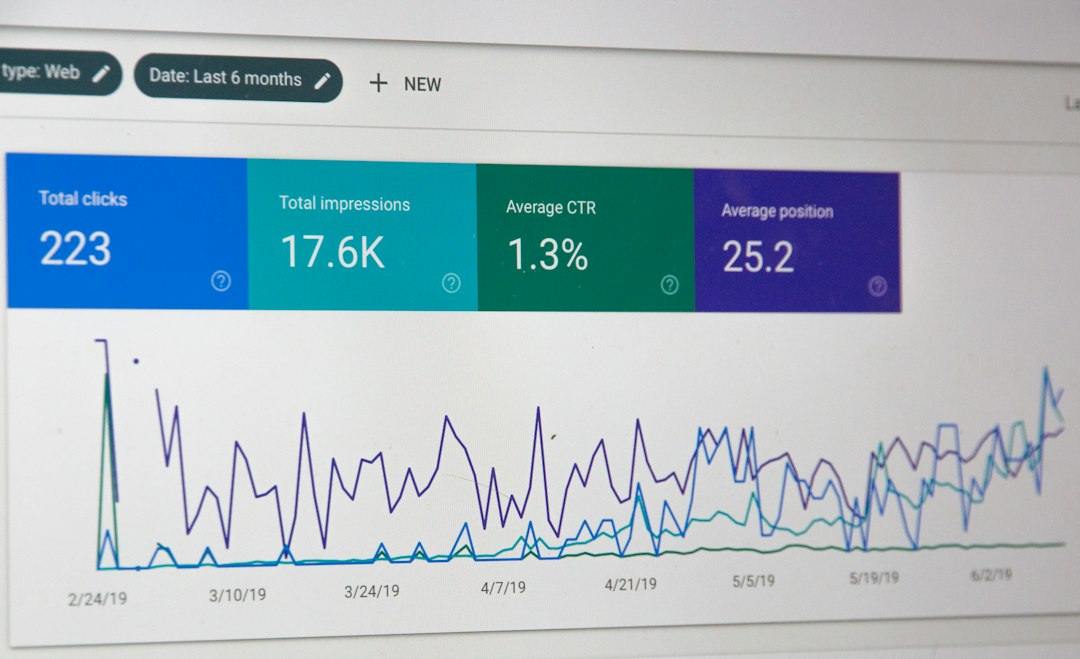
For years, the standard approach to business intelligence involved building static dashboards that required manual interpretation to drive action. However, the landscape is shifting as platforms like Zoho Analytics introduce "Agentic Analytics"—a transition from reporting what occurred to having AI agents actively interpret, model, and execute workflows based on that data, as reported by IT-Online. For ops and IT leaders, this shift requires a new understanding of how intelligence layers sit above raw data.
What you need to check before you act
Moving from traditional BI to an agentic model is not just a software update; it is an architectural decision. Before you integrate these capabilities, ensure your foundation is ready:
Data Quality and Lineage: Agentic systems act on your data. If your CRM or ERP data contains duplicates, incomplete records, or inconsistent naming conventions, an AI agent will propagate those errors across your insights.
Semantic Clarity: Unlike traditional BI, which relies on a human knowing which table to query, agents rely on a "semantic layer"—a digital glossary of your business metrics. You must define your KPIs clearly before the agent can interpret them.
Governance and Permissions: When you provide an agent with the power to read and act on data, you must implement strict access controls. Verify that your platform allows for granular, role-based governance.
Budget for Orchestration: While agentic tools save time, they often involve new costs related to AI token usage, API connectivity, and the maintenance of your internal business ontology.
Step-by-step plan for implementing agentic analytics
1. Build your business ontology
Before launching agents, document the relationships between your business entities (e.g., how a "Lead" in your system converts to an "Opportunity" and eventually a "Project"). This structure allows the AI to navigate your operations logically rather than simply scanning rows in a spreadsheet.
2. Configure the shared intelligence layer
Set up a central intelligence layer that consolidates your metrics. By standardizing terminology across your organization, you prevent the agents from generating conflicting insights for different departments.
3. Deploy within a sandbox environment
Never connect agents to production data immediately. Use a sandbox to test how the agent interprets queries and interacts with your workflows. For businesses looking to refine these automations, specialized CRM and ERP customization can help ensure these agents operate within the specific constraints of your business model.
4. Implement observability and audit trails
Configure administrative tools to track agent activity. You need to know exactly which agents accessed which data points and what decisions were triggered as a result. Regular audits are non-negotiable in agentic workflows.
A worked example of agentic intervention
Consider a standard customer churn report. In a traditional BI setup, a manager views a dashboard, notices a dip in renewals, and manually tasks a team to reach out. In an agentic analytics setup, the system identifies the dip, cross-references it with customer engagement data from your ERP, and identifies the specific segment at risk. The agent then automatically updates the relevant tasks in your system, drafts a personalized check-in email for the account manager, and logs the action in the customer record—all without human intervention until the final review.
Pitfalls and why it might not work as expected
The most common failure point is "hallucinated metrics." If your underlying data catalog is messy or your semantic definitions are vague, the agent will provide answers that sound confident but are mathematically incorrect. Additionally, over-automating processes without a "human-in-the-loop" review stage can lead to automated emails or workflows being triggered by misidentified data anomalies. Always prioritize oversight until the agent's accuracy is proven.
Frequently asked questions
Does agentic analytics replace the need for data analysts?
No. It elevates their role. Analysts shift from building reports to designing the intelligence layers, maintaining the semantic definitions, and auditing agent behavior, which increases the overall efficiency of the data team.
Can I use agentic analytics with non-native data?
Yes, provided the platform supports external connectors. Modern agentic platforms often include hundreds of connectors to third-party tools, allowing agents to pull context from disparate systems like project management software, accounting tools, and communication platforms.
Adopting these advanced analytics tools requires a balance between speed and control. If you are ready to modernize your internal reporting or integrate AI-driven intelligence into your existing stack, our team can help you map out your data strategy. You can reach out to our team at Skyfall Labs to talk to our AI automation team about building a secure, scalable architecture for your business.